


Editor's review
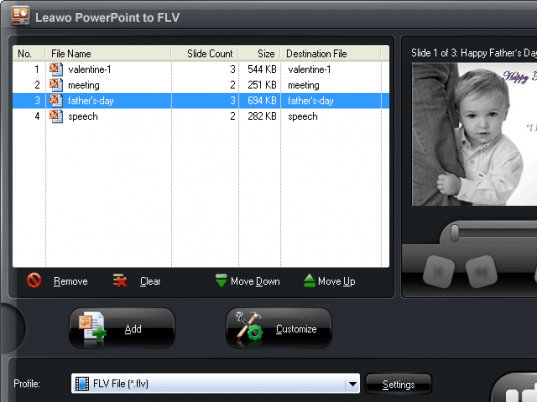
Leawo PowerPoint to FLV is a very nice standalone, batch conversion program to convert your PowerPoint file to flash videos such as FLV, MP4, MOV, 3GP, 3G2 etc. This utility works without PowerPoint application. The application is supported on Windows NT, Windows 2000, Windows XP, Windows Vista and Windows 7 platform.
Features: Microsoft PowerPoint is one of the most popular means for creating presentations. Due to its features and usability it is used widely for personal and professional presentation. You would like to share your presentation with your clients, colleagues, friends etc. They need to have Microsoft PowerPoint to open and view the presentation. To resolve this problem convert your PowerPoint file to FLV file which will be opened without PowerPoint application. Another advantage you get of sending presentation file in FLV formats is to protect your presentation from the misuse or modification by other people.
The application allows you to customize setting for your presentation. You can set default transaction time between slides, add music file to your presentation, ignore audio in PowerPoint file, keep aspect ration of slides, check/uncheck mute in conversion and vertical flip. Set output file as rename or override. You can set different profile for conversion from the list of available options. Application allows you to set video and audio quality. You will observe that after conversion, all original elements including original animations, sounds, transitions, movie clips and internal links are retained.
Overall: This is a nice conversion utility to convert your PowerPoint file to flash video file format.
User comments