


Editor's review
Setting reminders are a good way of remembering important events, meetings, and other occasions, and thus avoid facing an embarrassing situation. But a complicated reminder application may lead to confusion and even frustration, thus it’s always wise to opt and install simple reminder software over your system. And one such utility is provided to you as Desktop-Reminder 1.6 that aids you settings reminders for any type of event or occasions. With the application, you can set a task to be reminded few months earlier, and events to be reminded few minutes of hours before. Whether it’s your favorite TV show, your friend’s birthday, anniversary, important meeting, appointment, or anything, simply set a reminder and get reminded at the desired time.
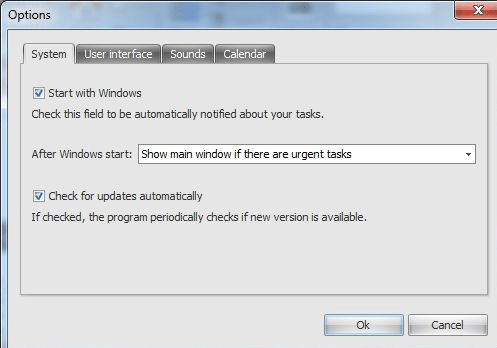
Adding reminders with Desktop-Reminder begins with ‘New Task’ option that allows adding reminder for new event, task, meeting, etc. The entire added tasks are displayed on main screen, where you can edit, remove, or mark them as done when completed. While adding a new task, you’d need to set the ‘Date’, for which you can even utilize the associated ‘Calendar’ feature. For setting a reminder to be notified earlier then the event date and time, you can set it to be reminded minutes, hours, weeks, or months before. To specify what the task is actually, fill in its details in Description section. Now, select the task to be scheduled for once, and if it’s a recurring task then you’d have to set its repeating time as yearly, monthly, or weekly, as needed. Next, it includes Day time section where you can either leave the default selection or define a specific time of the day for the reminder to appear. In addition, it also lets you enable notification message to be displayed, and configure the message settings. Moreover, it allows altering program options relating program’s startup, calendar, and database file location.
Desktop-Reminder 1.6 facilitates you in recording reminders relating tasks, appointments, events, meetings, or birthday, anniversary, etc anything you want. The utility deservingly gets 3 rating points for its easy functions and good performing capability.
User comments